.png?width=202&height=50&name=Logo%20(1).png)
Getting ready to launch a new competition cycle can feel like juggling a lot of moving parts. This checklist is here to help make sure nothing gets overlooked and everyone’s set up for a successful start. 🚀
🌟 Key items to check:
- ✅ Your cycle is named correctly. Please ensure that it does not contain terms such as "Draft" or "Test" or "In Configuration" language.
- ✅ Employees in the cycle are complete
- ✅ Workbook data is accurate and up to date
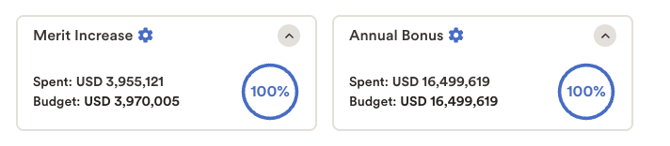
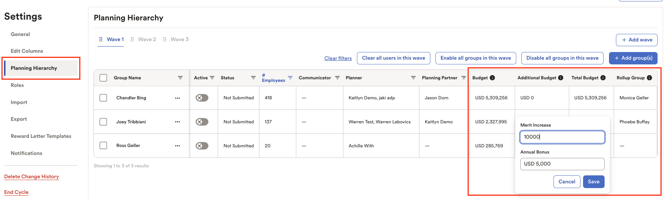
- ✅ Budgets for each element are aligned and correct. (Optional: Discretionary funds and rollups are added correctly)
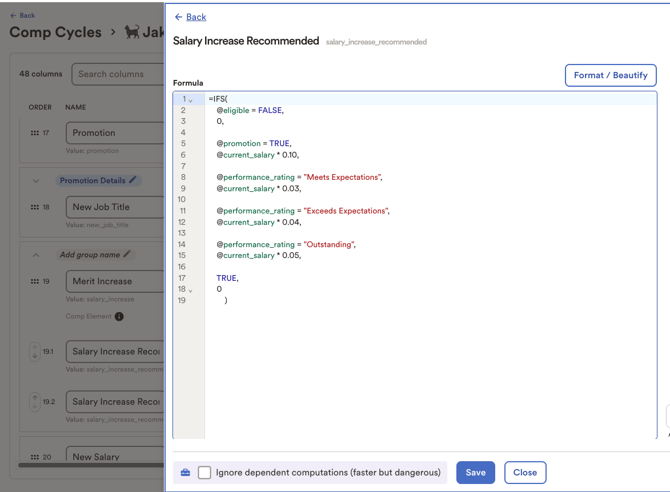
- ✅ Computations are correct
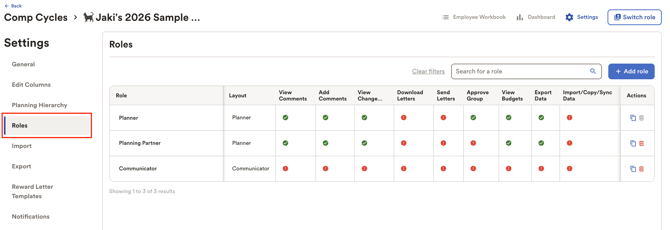
- ✅ Permissions are properly set for each role
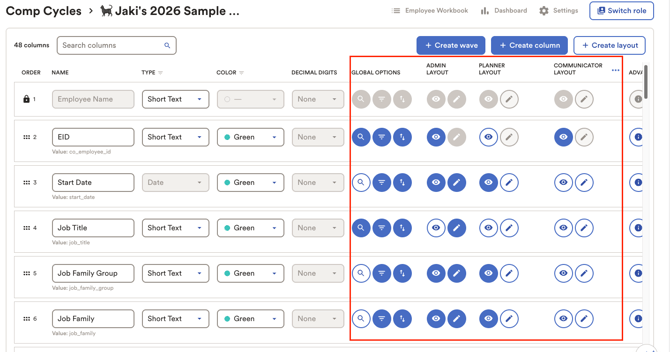
- ✅ Layouts are correct. Make sure non-admin users can only see and edit the fields they’re supposed to, and nothing more.
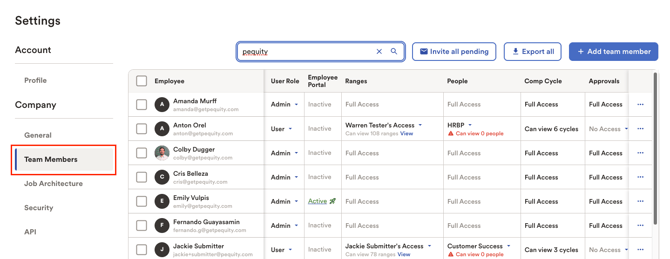
- ✅ Users have been added to Pequity or SSO (if applicable)
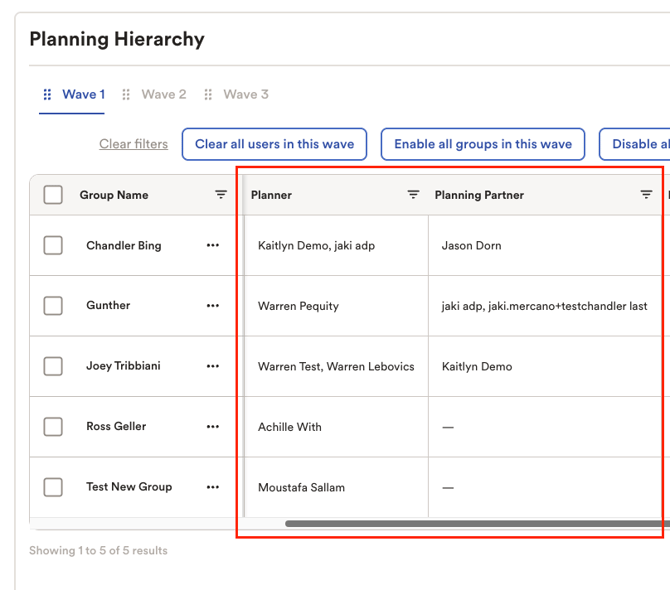
- ✅ Users are assigned to the right planning groups
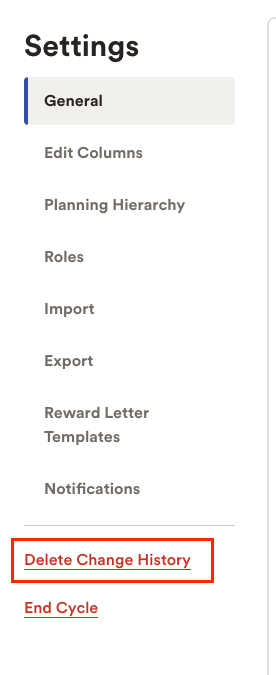
- ✅ Change history has been cleared
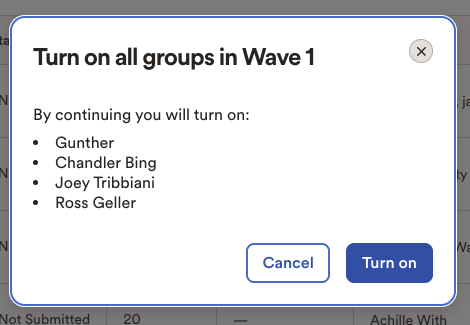
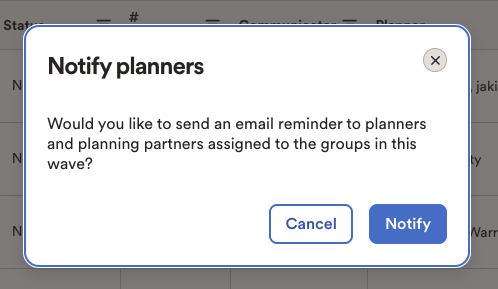
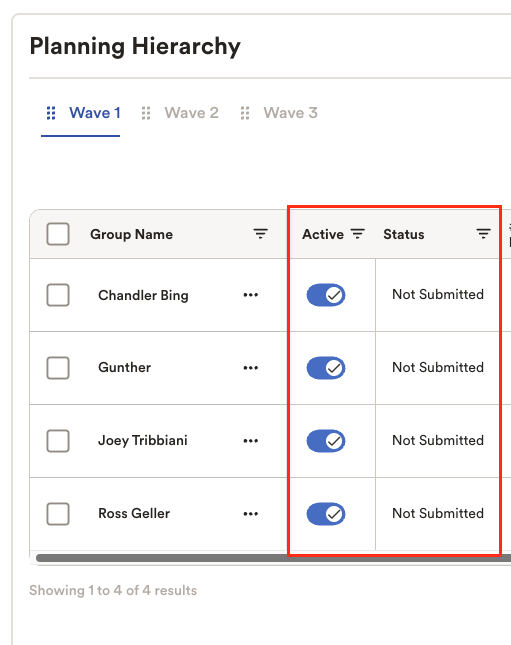
- ✅ Once everything looks good, you’re now ready to enable the wave/s! Optional: Send out wave start notifications if you would like to notify users via email.
NOTE: For cloned cycles, make sure that all groups should have a status of "Not Submitted" to ensure that they will have edit access.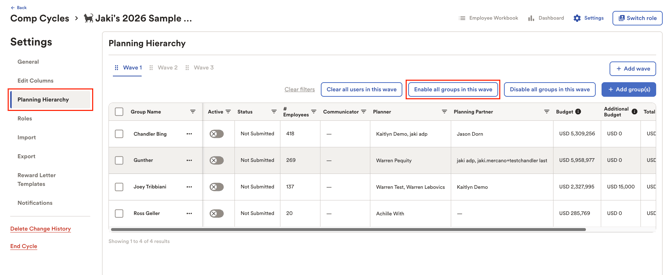
✏️ Notes
- Missing some employees, data, or need to adjust layouts? No worries! You can always add more information and employees mid-cycle.
- Already launched but haven’t set up reward letters yet? That’s okay - you can still create templates and modify the reward letter fields post-launch.