.png?width=202&height=50&name=Logo%20(1).png)
Yes, you can customize the email notification that users receive once a wave or group is launched. This is especially helpful when compensation cycles are used for purposes beyond planning, such as distributing reward letters, or when you prefer to use their own wording.
Steps to Edit the Email Notification
-
Go to the cycle's Settings page > Notifications tab.
-
Review the default language displayed.
-
Enter your updated Email Subject in the designated text box.
-
Update the Email Body in the designated text box.
DEFAULT: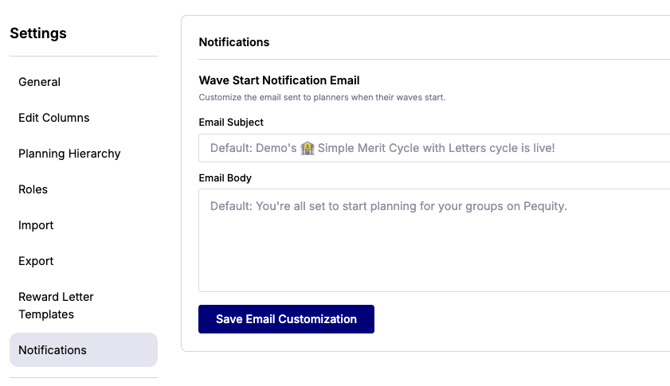
CUSTOMIZED: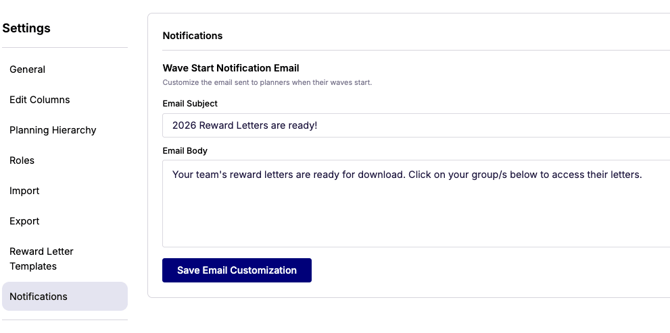
-
-
Click Save Email Customization.
Once saved, your customized subject line and body will be used whenever waves or groups are launched within the cycle.
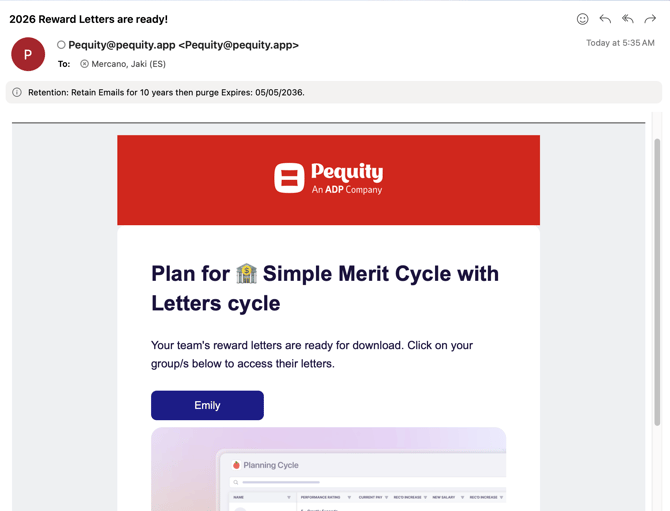
DEFAULT
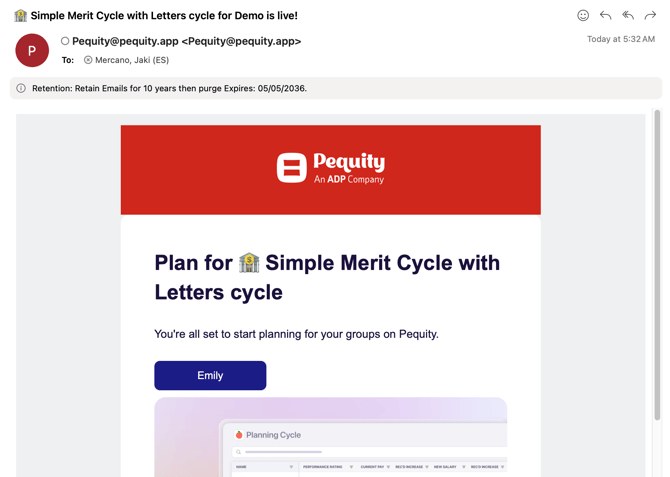
CUSTOMIZED